
Full disclosure right up front: I'm the co-founder of Pitchway. So obviously I think our tool is great — I wouldn't be building it otherwise. But I also spend a lot of time looking at what everyone else is doing, partly because I'm competitive and partly because I genuinely want to understand what's working and what isn't in this space.
I tested every major AI presentation tool over the past few weeks. Same brief each time: a 12-slide investor pitch deck for a fictional startup. I paid for the ones that required it. I used each one the way you would — with a deadline, real content, and the expectation that I could actually send the result to someone without cringing.
Here's what I honestly think about each one.
1. Pitchway (yes, mine)
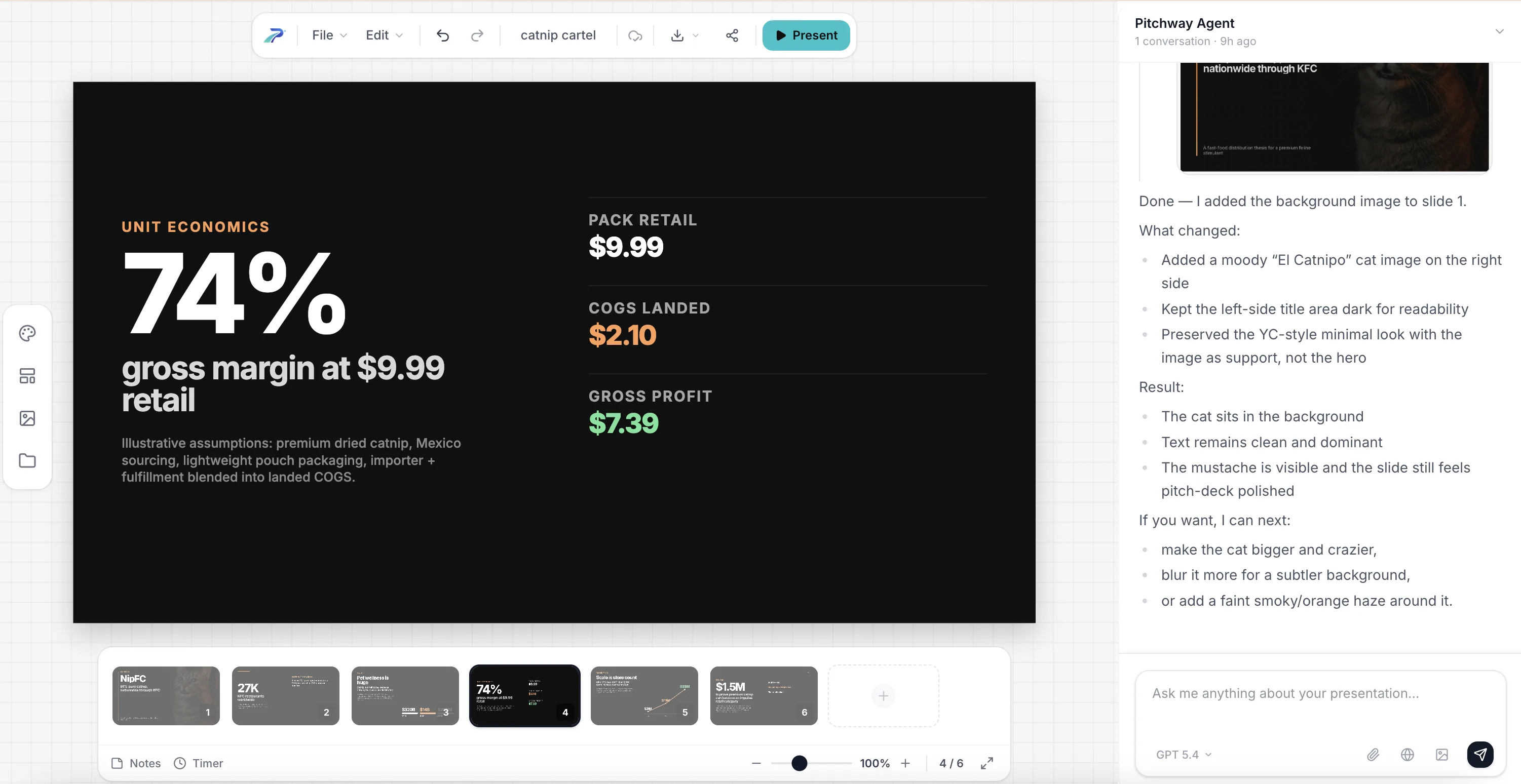
Website: pitchway.ai
Pricing: Base $29/mo ($19/mo yearly), Pro $59/mo ($49/mo yearly), Ultra $199/mo ($159/mo yearly). Free trial available.
Best for: People who actually care what their slides look like
OK, I'll try to be as honest as I can about my own thing.
The reason I built Pitchway is because I was frustrated. I was making 40+ pitch decks a year for clients and for my own startup, and every AI tool I tried produced output that looked... generated. You know the look. Bland layouts, weird spacing, text that's technically on the slide but doesn't feel designed. I kept ending up in Figma fixing everything anyway.
So we took a different approach — code-first rendering. Instead of templates with placeholder boxes, the AI has full control over typography, spacing, and composition. The result actually looks like a designer made it. That's the whole bet.
What I think we do well:
- The output quality is genuinely better than anything else I've seen. I know that sounds like marketing, but go try the free trial and compare
- Export actually works. No broken fonts, no shifted layouts. This drove me insane with other tools
- Brand consistency is automatic — set up your colors and fonts once, done
- You can personalize a deck for different audiences without duplicating the whole thing
What we're still missing (being honest):
- Our template library is small compared to Canva. We're a newer tool, that's just reality
- No real-time collaboration yet. It's coming, but right now it's a solo tool
- No viewer analytics yet. I want this badly, it's on the roadmap
- We're not well-known yet. You won't find 50 YouTube tutorials about us
If you've tried Gamma or Beautiful.ai and thought "this is close but I can't actually send this to a client" — that's exactly the gap we're trying to fill.
2. Gamma
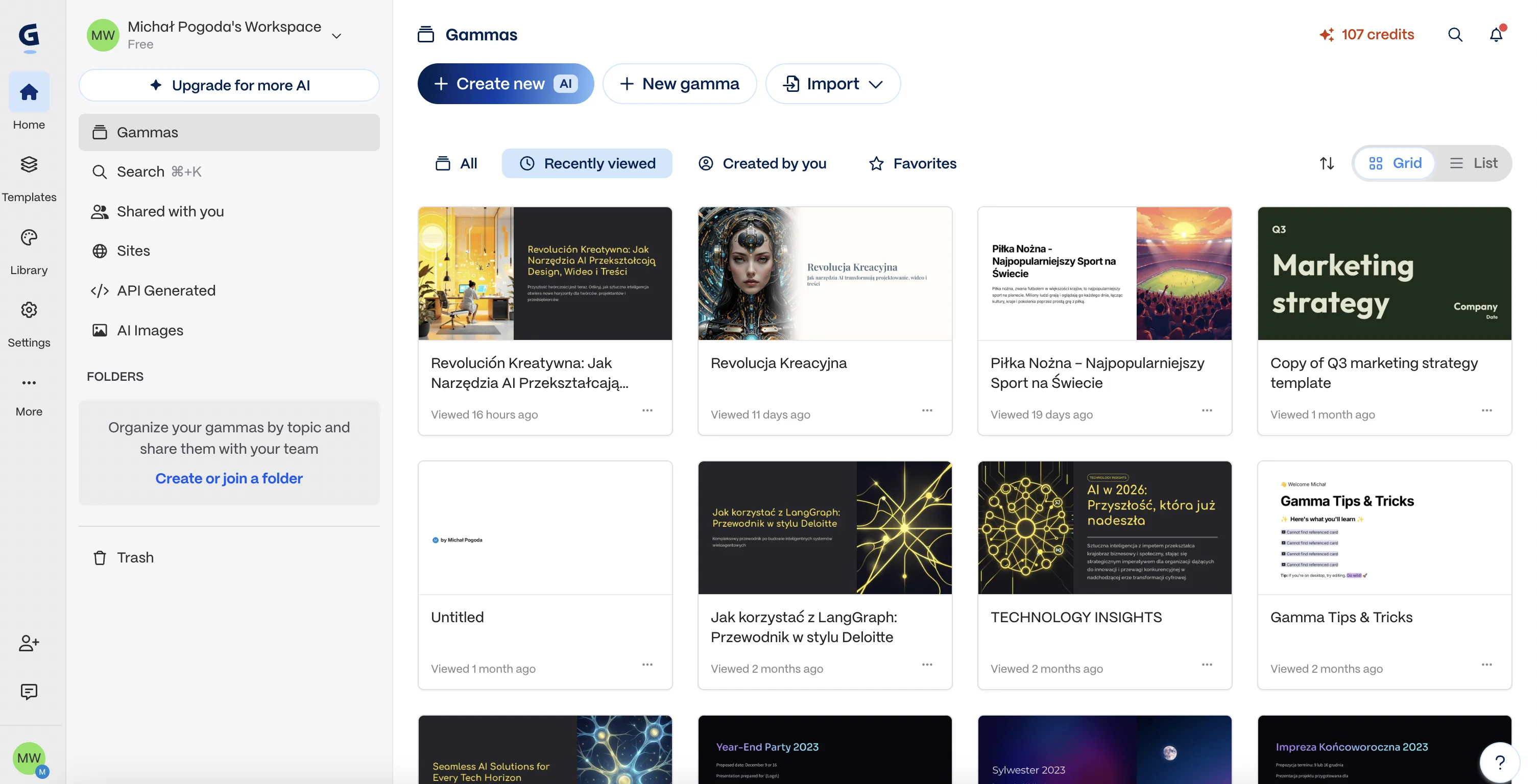
Website: gamma.app
Pricing: Free (400 AI credits); Plus $8/mo (annual) or $10/mo; Pro $15/mo (annual) or $20/mo
Best for: Quick internal decks and async sharing
Gamma is probably our biggest competitor, and I'll give them credit — the free tier is very generous and the speed is impressive. You can have a full deck in under a minute. The Gamma 3.0 AI Agent that researches topics and pulls in data is genuinely cool.
The thing is, Gamma doesn't make slides. It makes scrollable web pages that look like slides. That works great if you're sharing a link over Slack for someone to scroll through. It's awkward if you're presenting live on a projector.
The bigger issue for me — and this is partly why I built Pitchway — is the PowerPoint export. It's broken. I tested it and formatting broke on roughly 40% of slides. Layouts shift, fonts don't match, images end up in the wrong place. If you ever need to send a .pptx file, that's a real problem.
The content quality is fine for internal meetings. For an investor deck? You'll need to rewrite most of it.
Bottom line: Great for getting 70% of the way there fast. If "good enough for an internal standup" is the bar, Gamma clears it easily. If "I'm sending this to a VC" is the bar, you'll be editing for a while.
3. Beautiful.ai
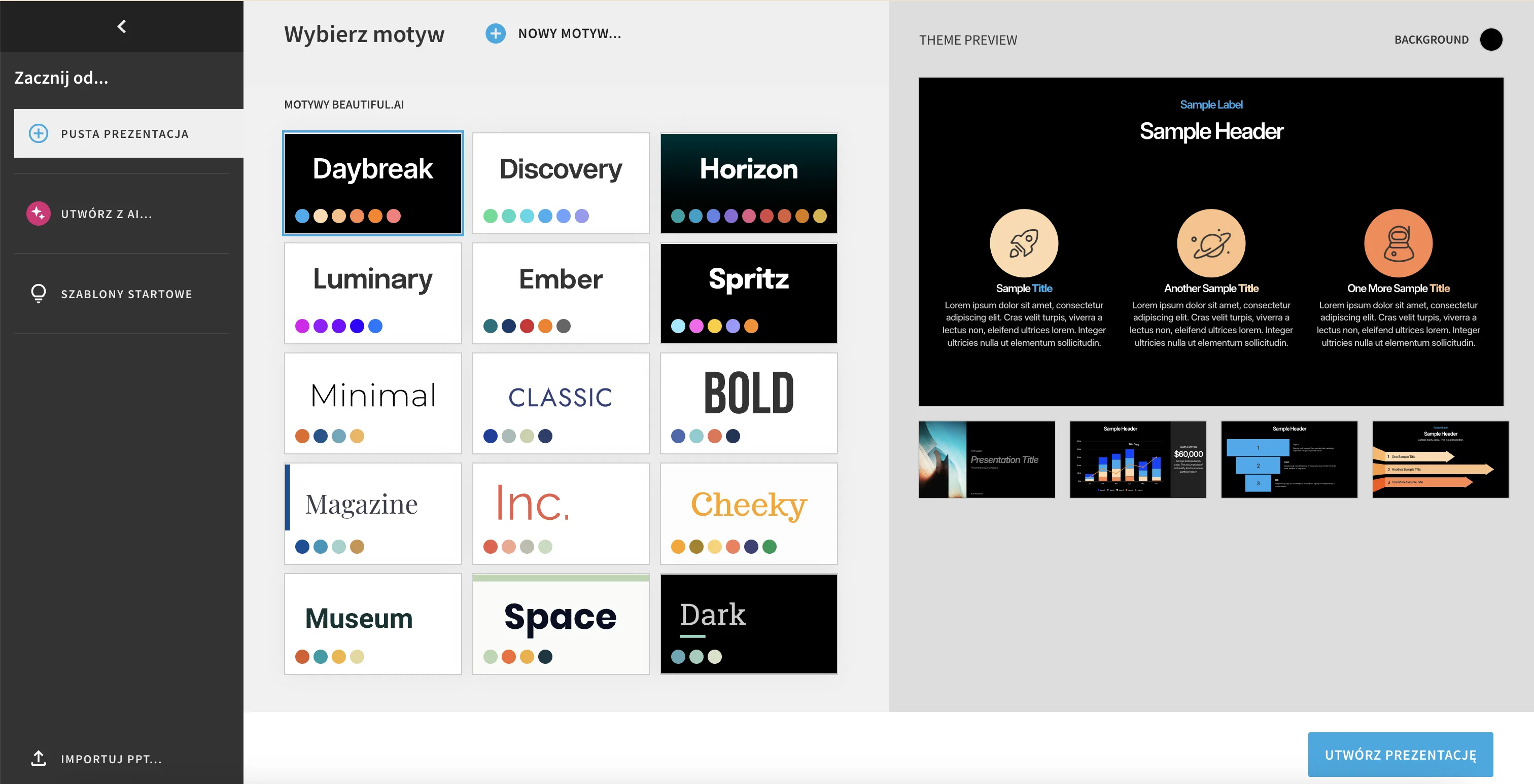
Website: beautiful.ai
Pricing: Pro $12/mo (annual) or $45/mo; Team $40/user/mo (annual) or $50/user/mo; Enterprise custom
Best for: Teams where nobody should be trusted with design decisions
Beautiful.ai's "Smart Slides" idea is genuinely clever. Each slide type has built-in design rules, so as you add content, the layout adjusts automatically. It's basically impossible to make an ugly slide. For companies where everyone from the intern to the VP needs to make decks, that guardrail is valuable.
The problem is when you want to do something the system doesn't expect. Those same guardrails that keep things looking good also prevent you from breaking out. I hit this wall constantly when testing — I wanted a specific layout and the tool just... wouldn't let me.
Also, and I say this respectfully, the design aesthetic feels stuck in 2022. Flat, safe, corporate. The industry has moved toward more depth, gradients, and modern composition. Beautiful.ai hasn't really caught up.
No free plan either, which is rough. $45/mo without annual commitment is steep for what you get.
Bottom line: If your main problem is "people on my team keep making ugly slides," Beautiful.ai solves that. If your problem is "I need slides that look exceptional," it won't get you there.
4. Canva Presentations
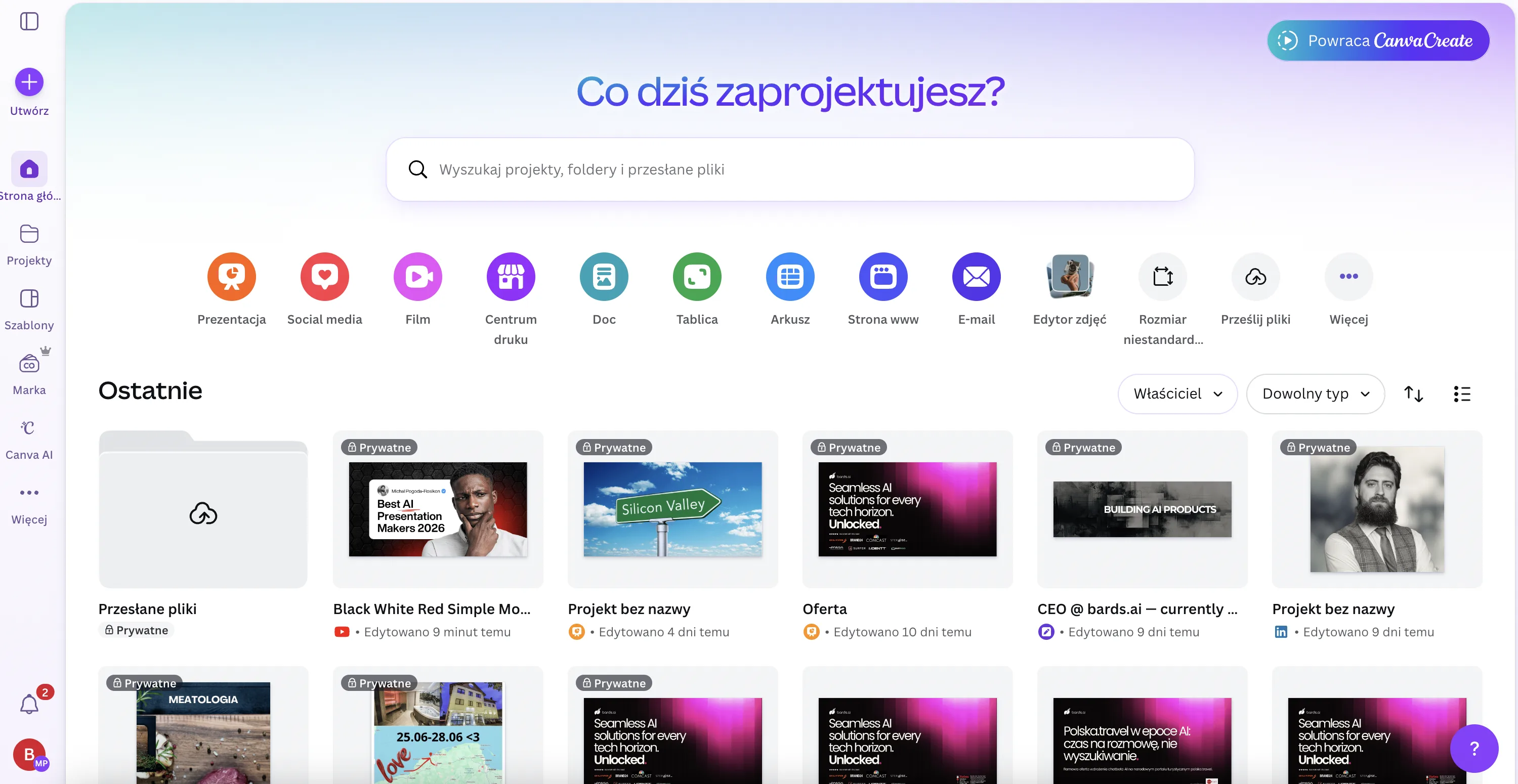
Website: canva.com
Pricing: Free; Pro $15/mo or $120/year; Business $20/user/mo or $200/year
Best for: People already paying for Canva
Canva is the gorilla in the room. 250,000+ templates, massive stock library, everyone knows how to use it. If you already pay for Canva Pro for social media graphics, the presentation features are a nice bonus.
But as an AI presentation tool specifically? It's pretty shallow. I tested the Magic Design feature and out of seven generated slides, only two had real content. The rest were filler. The prompt limit is around 100 characters — you can barely describe what you want, let alone give detailed instructions.
The fundamental issue is that Canva is a general design tool that also does presentations. It's not a presentation-first tool, and that shows. Where Gamma or Pitchway would handle layout decisions for you, Canva generates content and then leaves you to figure out the design yourself. That's where things get messy for most people.
Bottom line: If you're already in the Canva ecosystem, use it. As a standalone AI presentation tool, it's outclassed by the dedicated tools on this list.
5. Plus AI
Website: plusai.com
Pricing: Basic $10/mo (annual) or $15/mo; Pro $20/mo (annual) or $30/mo; 7-day free trial
Best for: Teams that absolutely cannot leave Google Slides
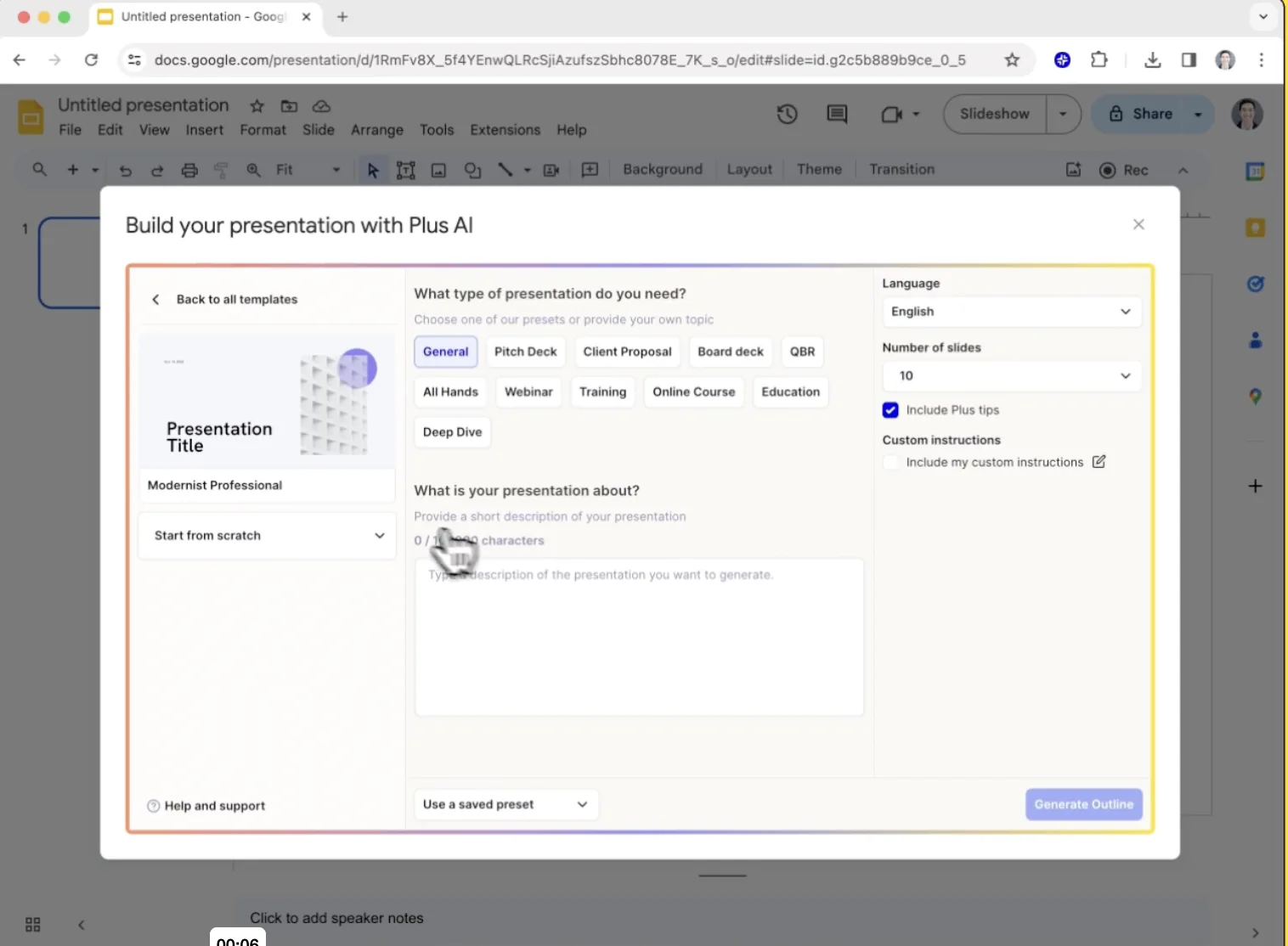
Plus AI's whole thing is that it works inside Google Slides and PowerPoint as a native add-on. No new tool to learn. Your AI-generated content is just regular Google Slides content from the start. For teams embedded in the Google ecosystem, that's huge.
I actually respect this approach a lot. The zero-friction integration is something every presentation tool (including mine) should learn from.
The trade-off is that you're limited to what Google Slides can do design-wise, which... isn't much. Your output will always look like Google Slides, because it is Google Slides. The AI content quality is solid though — better than most competitors for text generation.
Bottom line: The best option if leaving Google Slides isn't negotiable. But you're accepting Google Slides' design ceiling, and that ceiling is low.
6. Slidebean
Website: slidebean.com
Pricing: Free (basic); Starter $7/mo (annual) or $12/mo; Accelerate $42/mo (annual) or $99/mo
Best for: First-time founders who want hand-holding
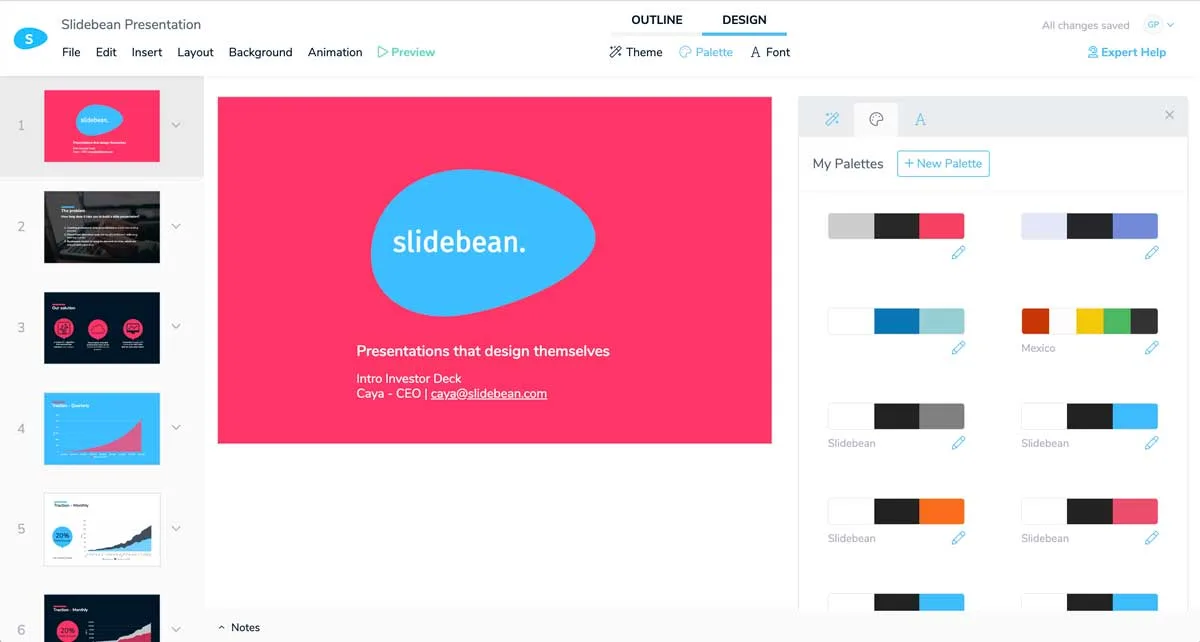
Slidebean is less of a presentation tool and more of a fundraising support platform that happens to include a slide builder. The real value is the ecosystem: strategy calls with the CEO, investor CRM, financial modeling tools, pitch deck review.
I have genuine respect for what Caya and the team built here. They carved out a niche and own it. The advisory services on the Accelerate plan add real value beyond software.
The slide builder itself is decent but not exceptional. Templates are good for pitch decks specifically. But if you need a sales presentation, client deliverable, or anything outside the startup fundraising use case, Slidebean isn't built for that.
Users report some technical bugs — broken image uploads, slides going black. The PowerPoint export loses fonts and converts charts to images. These are the kind of issues that make you nervous before a big presentation.
Bottom line: If you're a first-time founder raising a seed round and want guidance alongside the tool, Slidebean's Accelerate plan is genuinely unique. For the tool alone, there are better options.
7. Pitch
Website: pitch.com
Pricing: Free (unlimited presentations, up to 10 collaborators); Pro ~$20/mo per editor; Business ~$80/mo (5 editors)
Best for: Sales teams who need to know which slides people actually read
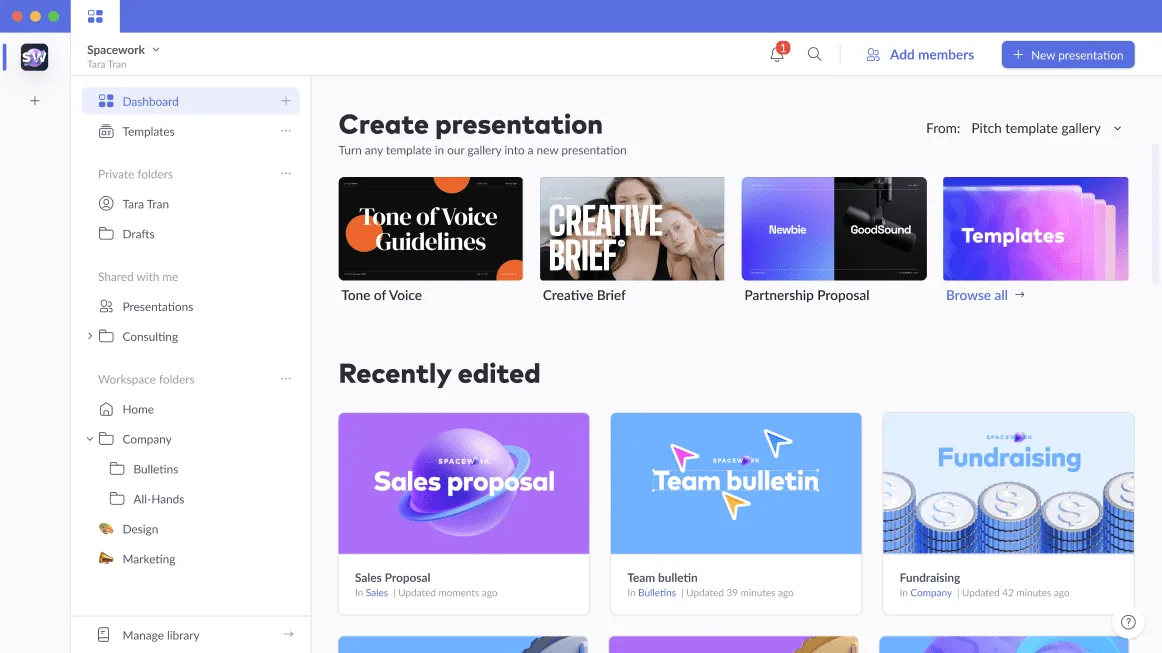
Pitch started as a Figma-like collaborative presentation tool, and that's still where it shines. The real-time co-editing is excellent. But the killer feature is the analytics: slide-level engagement data showing exactly which slides each viewer spent time on, who forwarded your deck, when they opened it.
For sales teams, that data is gold.
The AI feels secondary though. It was clearly added on top of a collaboration-first product. The generated content needs significant restructuring for professional use. It's fine for a starting point, but you're doing a lot of the work.
Generous free plan — unlimited presentations with up to 10 collaborators. That's hard to beat.
Bottom line: If viewer analytics and team collaboration are what you care about most, Pitch is excellent. As an AI presentation generator specifically, it's middling.
8. SlidesAI
Website: slidesai.io
Pricing: Free (1 presentation/mo); Pro $10/mo (10 presentations/mo); Premium $20/mo (unlimited)
Best for: Students on a budget who need a quick draft
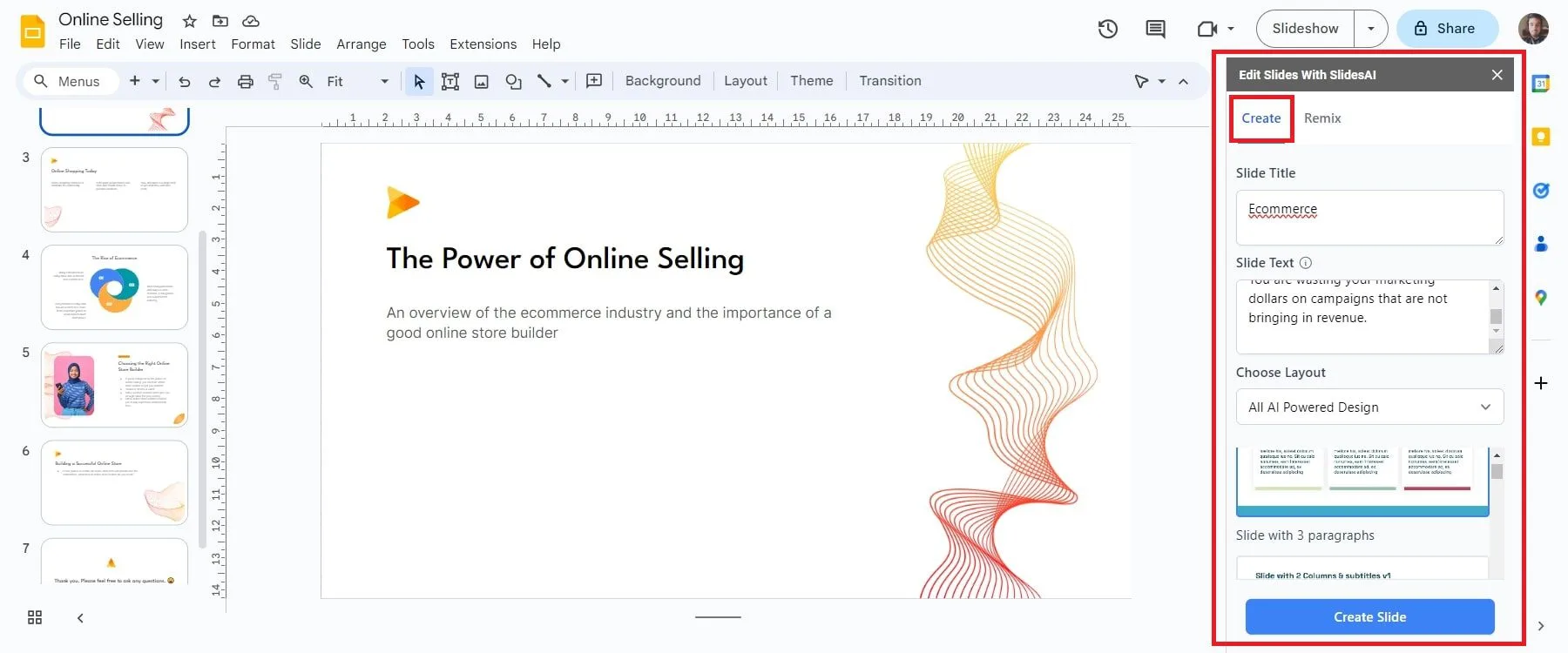
SlidesAI is the cheapest option here. It's a Google Slides add-on that converts text into slides. At $10/month it's hard to argue with the price.
But I had a rough time testing it. Multiple features just didn't work — "Create" opened blank templates, "Remix" added blank slides, "Design" didn't change anything. Features like video export are listed as "Coming Soon" and have been for a while.
The input limits are severe too. Basic plan: 2,500 characters. Pro: 6,000. That's not a lot of content to work with for anything serious.
Their Trustpilot rating (2.6/5) is significantly lower than their Workspace Marketplace rating (4/5), which makes me wonder about the review distribution. Users also report dark patterns around cancellation.
Bottom line: Cheapest option, but you get what you pay for. Test the free plan thoroughly before committing.
9. Venngage
Website: venngage.com
Pricing: Free (5 designs); Premium $10/mo (annual) or $19/mo; Business $24/user/mo (annual) or $49/user/mo
Best for: Data-heavy presentations and infographic-style slides
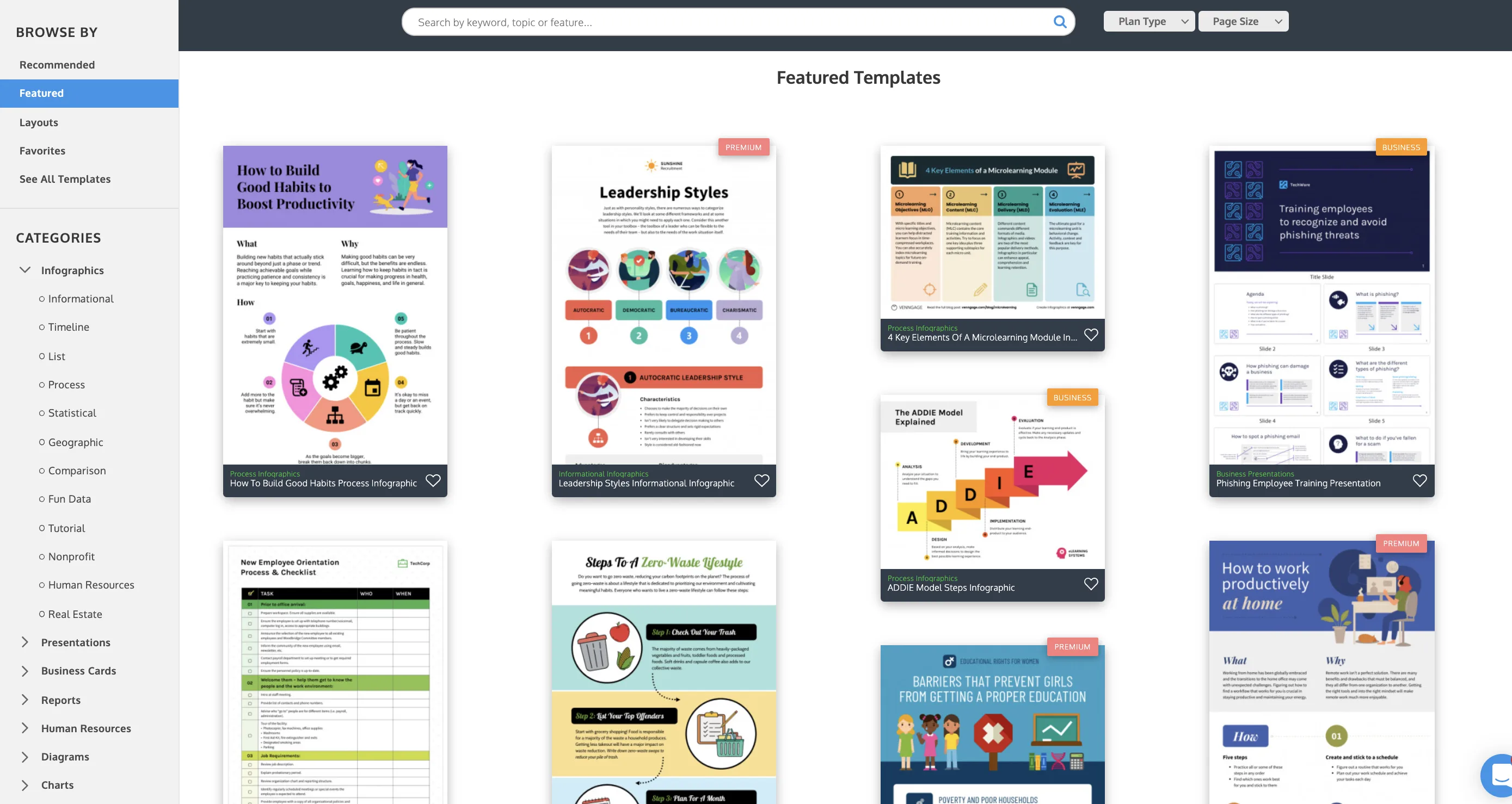
Venngage isn't really a presentation tool — it's an infographic platform that also does presentations. That makes it uniquely strong for data visualization, charts, and infographic-style layouts. If your decks are heavy on statistics and visual data, Venngage fills a gap that everyone else ignores.
The accessibility features are a genuine differentiator — alt text, color-blind friendly palettes, contrast checking. Important for public-facing content and something most presentation tools don't think about.
It's not great for narrative-driven slide decks though. The workflow feels like you're making infographics, not presentations. And you need the Business plan ($24/user/mo) just to get PowerPoint export, which feels steep.
Bottom line: A great complement to a primary presentation tool when you need rich data visualizations. Not your everyday presentation software.
10. Microsoft PowerPoint + Copilot
Website: microsoft.com/microsoft-365-copilot
Pricing: Copilot Business $18/user/mo (promotional through June 2026, then $21/user/mo); Enterprise $30/user/mo. On top of your existing Microsoft 365 subscription.
Best for: Companies already paying for Copilot who want small AI assists
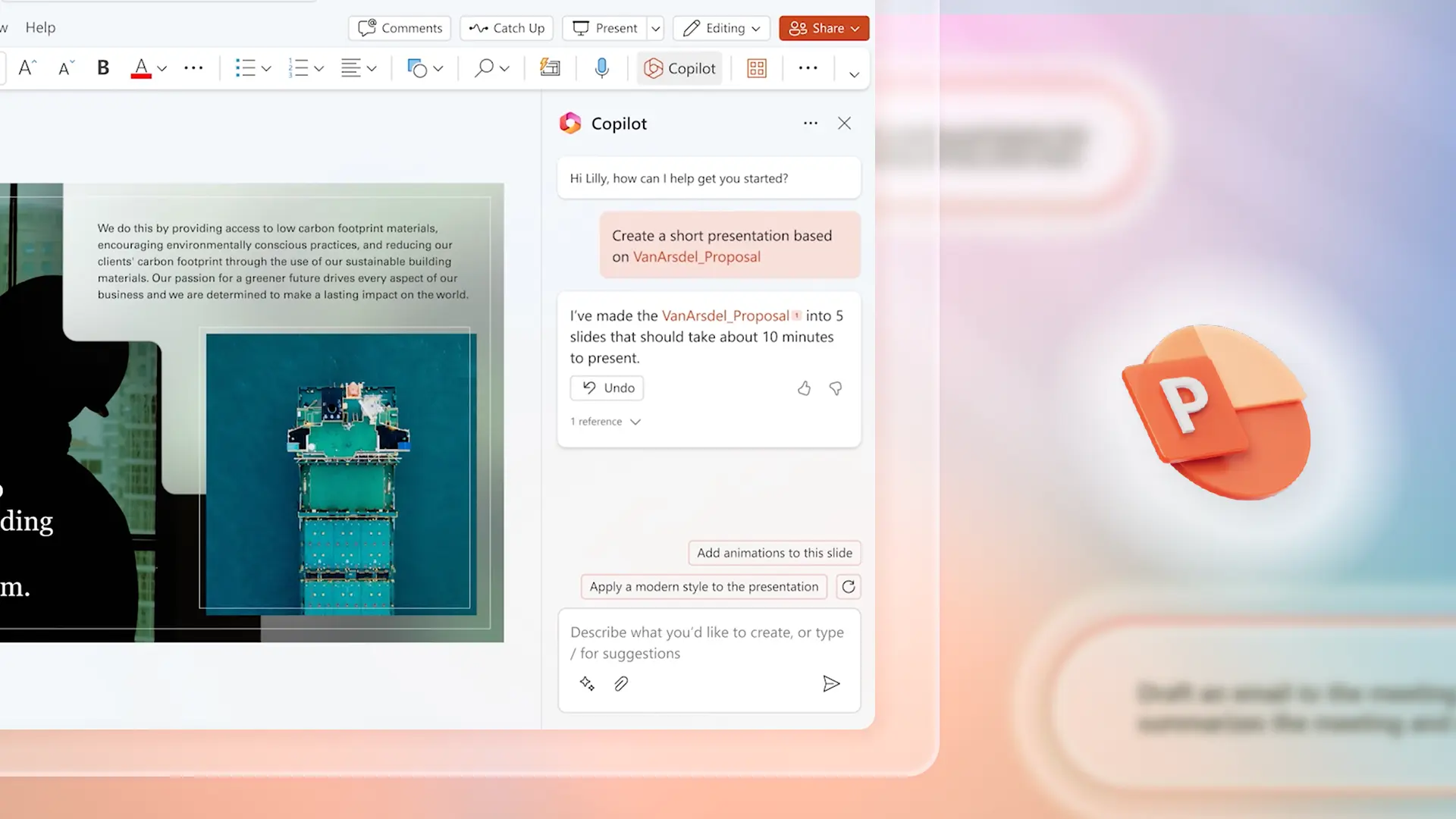
This was supposed to be the big one. Microsoft adding AI to PowerPoint. The moment AI presentations went mainstream.
The reality is... underwhelming. The 2,000-character prompt limit is brutal. You can barely describe a real business presentation in 2,000 characters, let alone give detailed instructions. Users on forums call it "a joke" and "AWFUL for creating anything useful." I'm inclined to agree.
Copilot can't iteratively refine slides either. It makes small edits but doesn't rethink structure or reorganize ideas. And the output looks like... PowerPoint templates. Because that's what it is.
Also worth noting: Microsoft is removing free Copilot Chat from business apps starting April 15, 2026. If your org doesn't pay for full Copilot licenses, the AI features go away.
Bottom line: If your company already has Copilot licenses, use it for bullet point rewrites and small formatting tasks. For generating actual presentations from scratch, almost everything else on this list does it better.
So what should you actually use?
Look, I obviously think you should try Pitchway. I built it because nothing else produced output I was comfortable sending to clients and investors. But I also know it's not the right fit for everyone.
Here's my honest take:
You care about design quality and will send this to someone important — try Pitchway. That's literally why it exists.
You need something free and fast for internal use — Gamma. The free tier is generous and the speed is unbeatable.
You can't leave Google Slides — Plus AI. Best add-on in the category.
Your team needs guardrails against bad design — Beautiful.ai. It won't let anyone make ugly slides.
You're raising money for the first time and want guidance — Slidebean's Accelerate plan, or Pitchway if design quality matters more to you than advisory calls.
You need to track who actually reads your deck — Pitch. The analytics are genuinely excellent.
You need data-heavy infographic slides — Venngage. Nobody else does this well.
No tool is perfect. All of them produce output that needs human editing. The question is how much editing, and whether your starting point is 50% there or 85% there. That gap is where your time goes.
Try a few. See what clicks. And if you try Pitchway and hate it, I genuinely want to know why — it makes the product better.